Configuración de Openconnect en Android/iPhone/iPad
Resumen
Configura OpenConnect rápidamente en Android e iOS: instala el cliente, añade una nueva conexión, introduce la dirección del servidor, tu usuario y contraseña, ¡y conéctate!
¿No quieres montar el servidor tú mismo?
Obtener un servidor listo
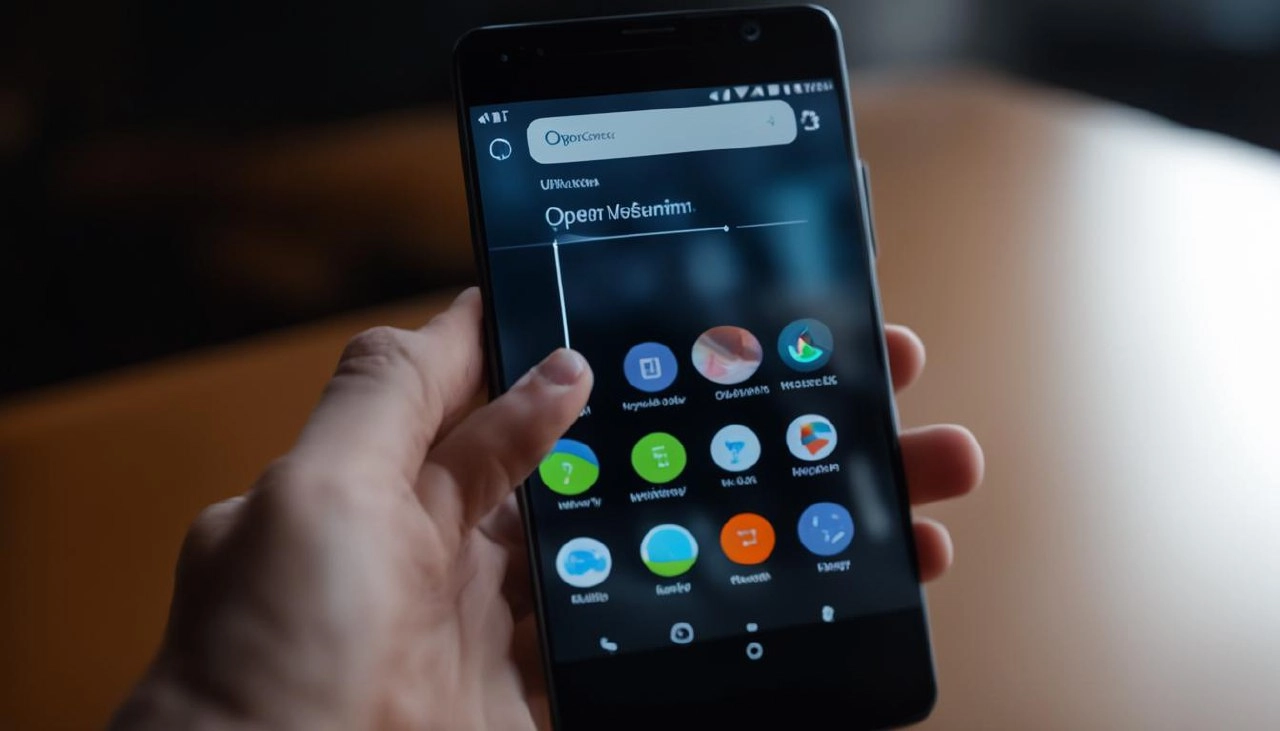
Busca en Google Play o App Store la aplicación Cisco Secure Client, instálala y ábrela.
Añade una nueva conexión. En el campo Dirección del servidor, introduce la dirección del servidor OpenConnect VPN y pulsa el botón Listo.
Luego, toca en AnyConnect VPN para conectarte. Introduce tu usuario y contraseña del cliente VPN.
Editor: vpn.how