OpenConnect auf Android/IPhone/IPad einrichten
Kurzfassung
OpenConnect schnell auf Android und iOS einrichten: Client installieren, neue Verbindung hinzufügen, Serveradresse, Benutzername und Passwort eingeben – und los geht's.
Keine Lust, selbst einen Server aufzusetzen?
Fertigen Server holen
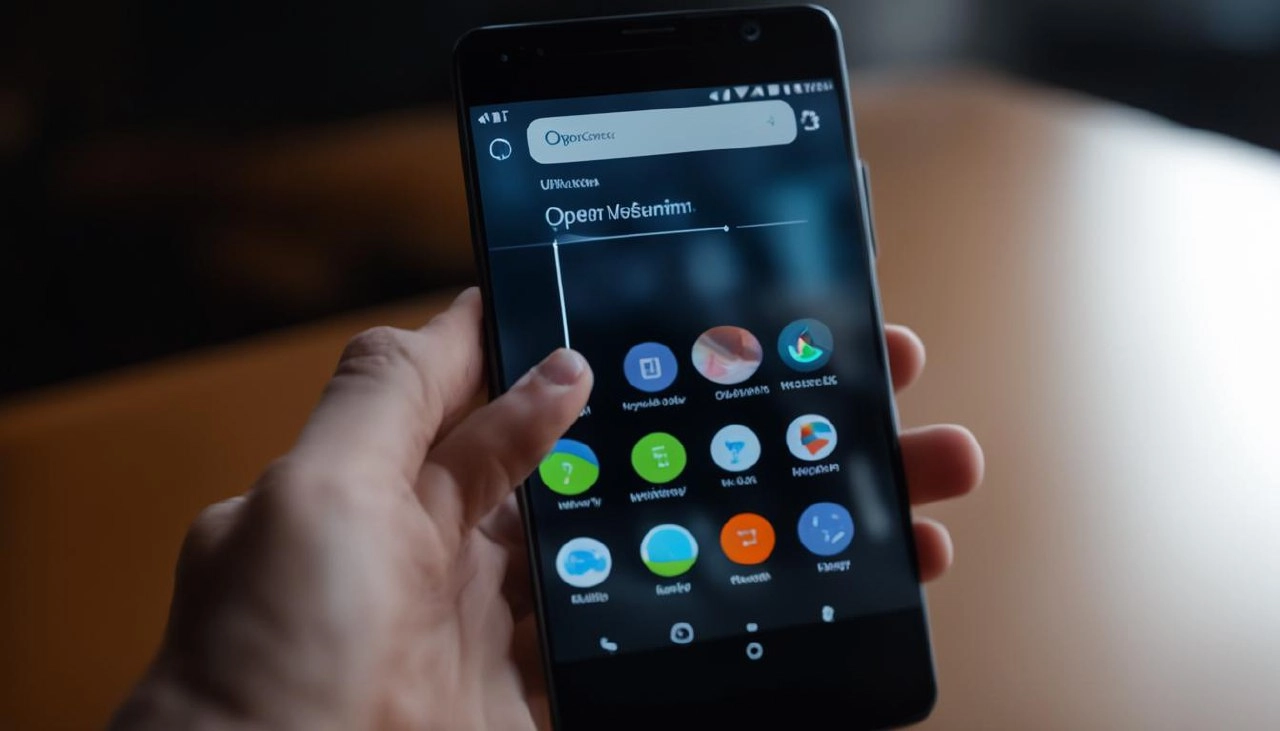
Suchen Sie im Google Play oder App Store nach der App Cisco Secure Client, installieren Sie sie und starten Sie die Anwendung.
Fügen Sie eine neue Verbindung hinzu. Im Feld Serveradresse geben Sie die Adresse des OpenConnect VPN-Servers ein und klicken auf Fertig.
Nun tippen Sie auf AnyConnect VPN, um die Verbindung herzustellen. Geben Sie dann Ihren VPN-Benutzernamen und das Passwort ein.
Herausgeber: vpn.how